A database workbench with guardrails.
Dexo is a keyboard-driven workbench for PostgreSQL, MySQL, MariaDB and SQLite — a terminal UI, a command line and an MCP server for AI agents.
Linux · macOS · Windows — free, MIT or Apache-2.0
brew install kingdaswinx/tap/dexoProduction asks for its name.
A DELETE without WHERE on a production connection waits until you type that connection’s name. Type a different one and nothing runs.
- A read-only connection is read-only on the server too, not just in the UI.
- Rows you insert or delete in the grid get a review before anything is written.
- The command line keeps the same guardrails for scripts.
DELETE FROM abandoned_carts
● PROD shop-prod Ctrl+Enter run
Your turn: type shop or shop-prod, then press Enter.
Agents write only through a grant you make.
Dexo runs an MCP server for Claude Code, Codex, Cursor and Claude Desktop. A profile decides what an agent can read; to let it write, you make a grant for a while. With --ask, every write waits for you on the Agents screen.
dexo mcp profile create --name assistant
dexo mcp profile set --name assistant --connection local --query-mode raw-read
dexo mcp allow --profile assistant --selector 'postgres.public.*'
dexo mcp profile enable --name assistant --confirm
dexo mcp setup --client claude-code --profile assistant
warnAn agent’s write is waiting for your approval on Agents (Ctrl+G a).
- Profile
- assistant
- Tool
- data_update
- Connection
- shop
- Target
- shop.public.orders
identity: id = 1307
values: status = refunded
Run this write now?
- …23:38:09assistantdata_updatewaiting for approval
The whole workbench, from the keyboard.
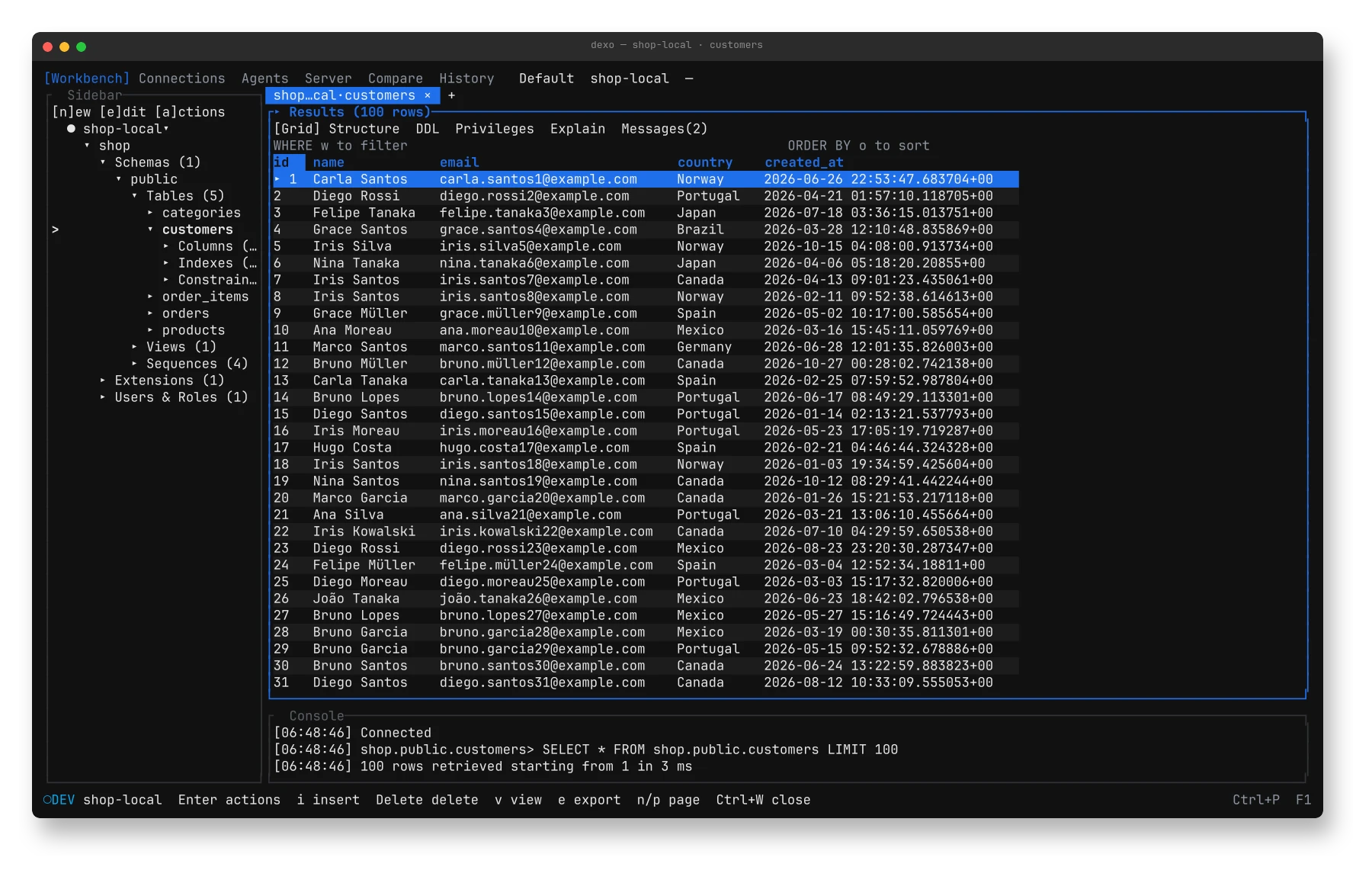
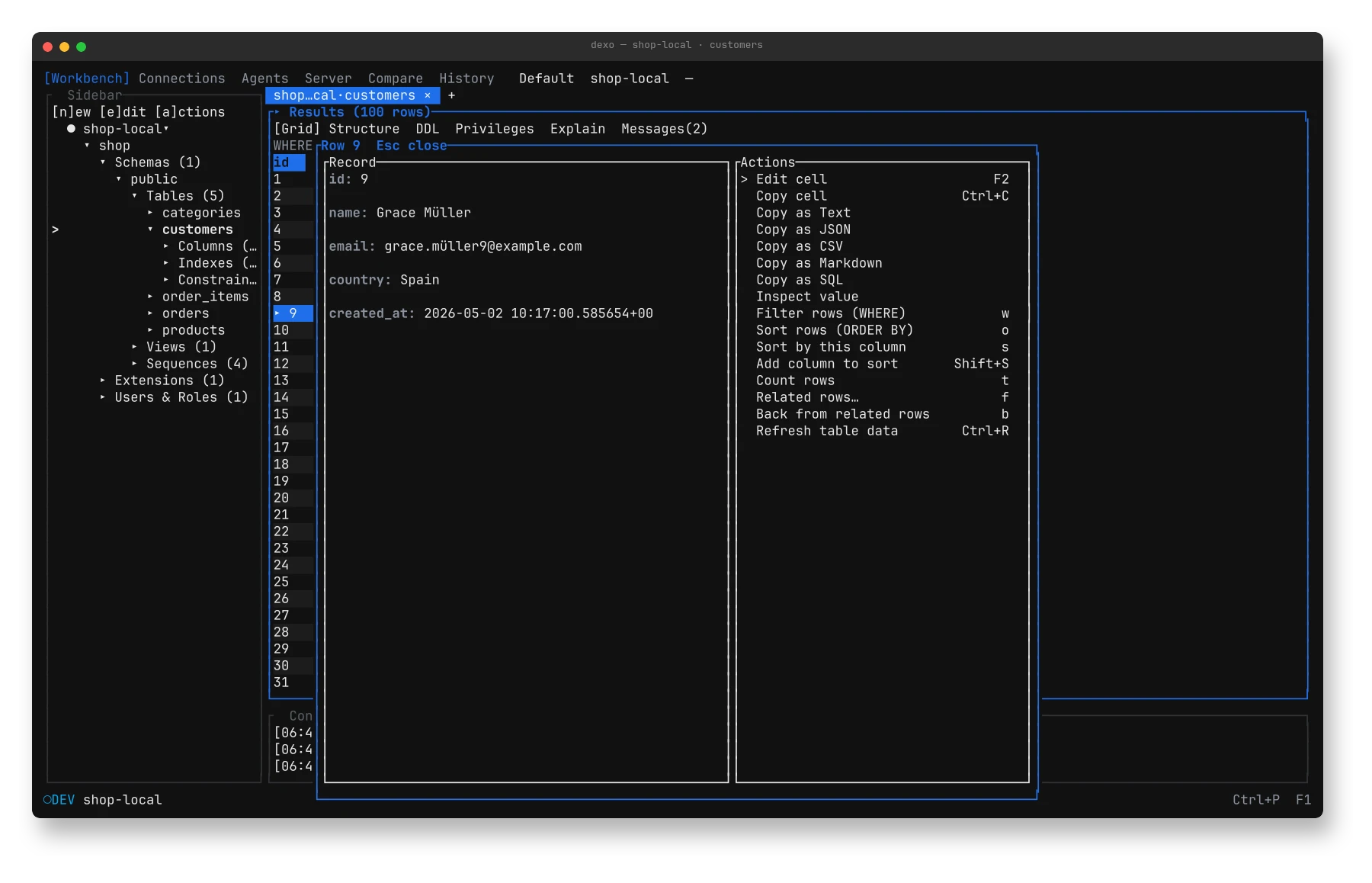
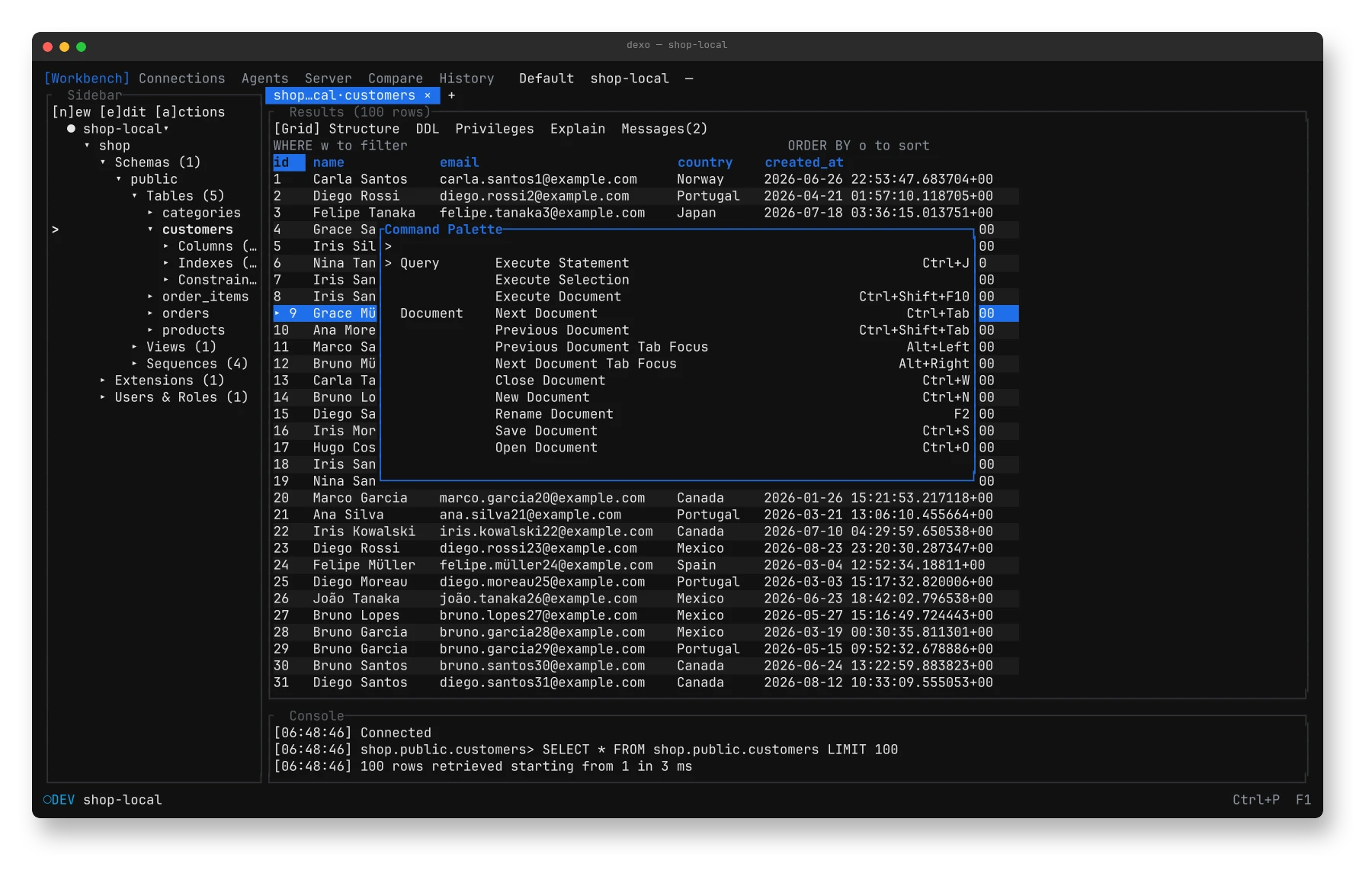
Catalog tree, an SQL editor with Vim mode and live diagnostics, a results grid that pages on demand, and a palette that reaches every command.
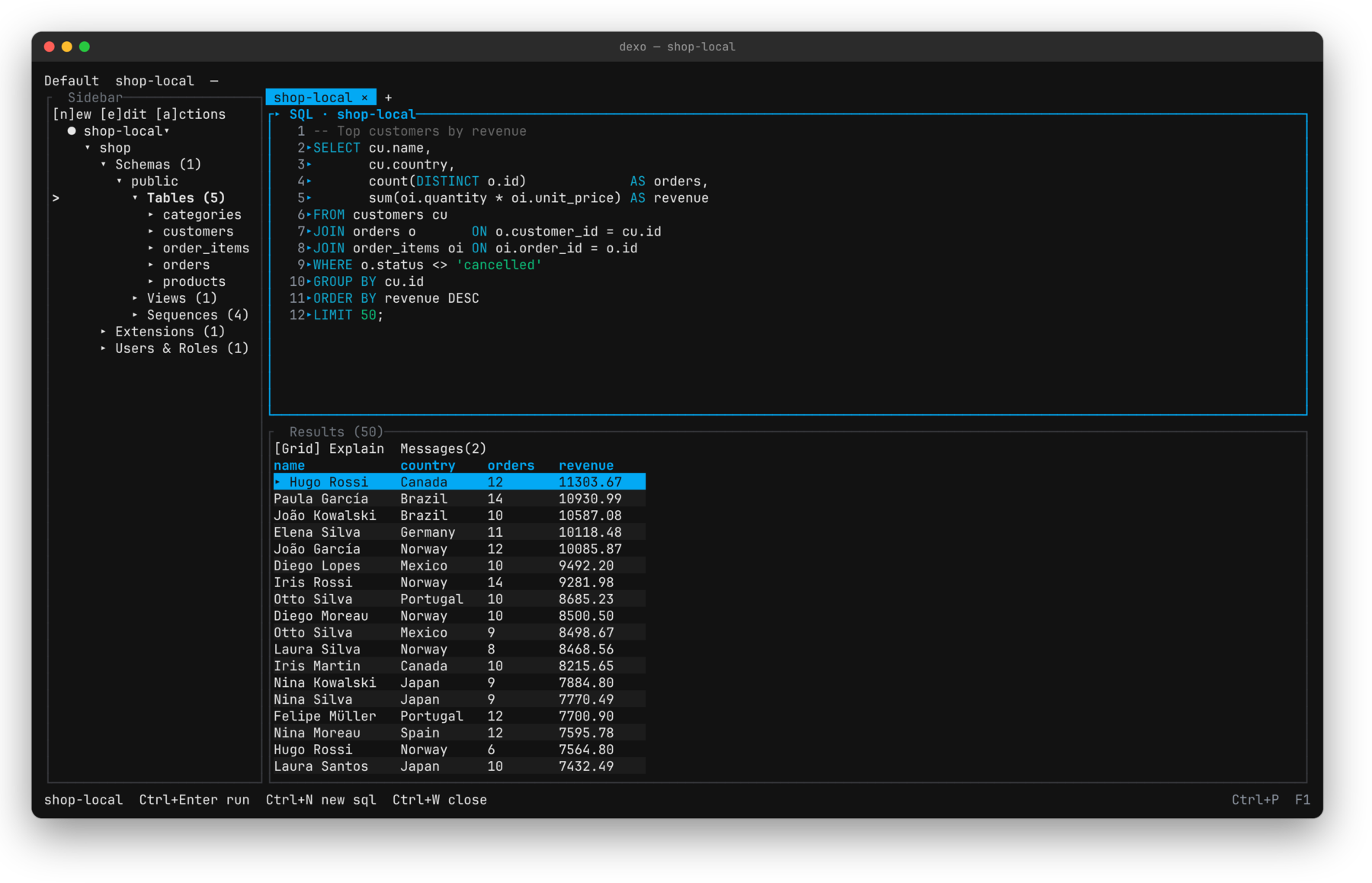 1Autocomplete and live diagnostics
2Results under the editor
3Schemas, tables, views
1Autocomplete and live diagnostics
2Results under the editor
3Schemas, tables, views
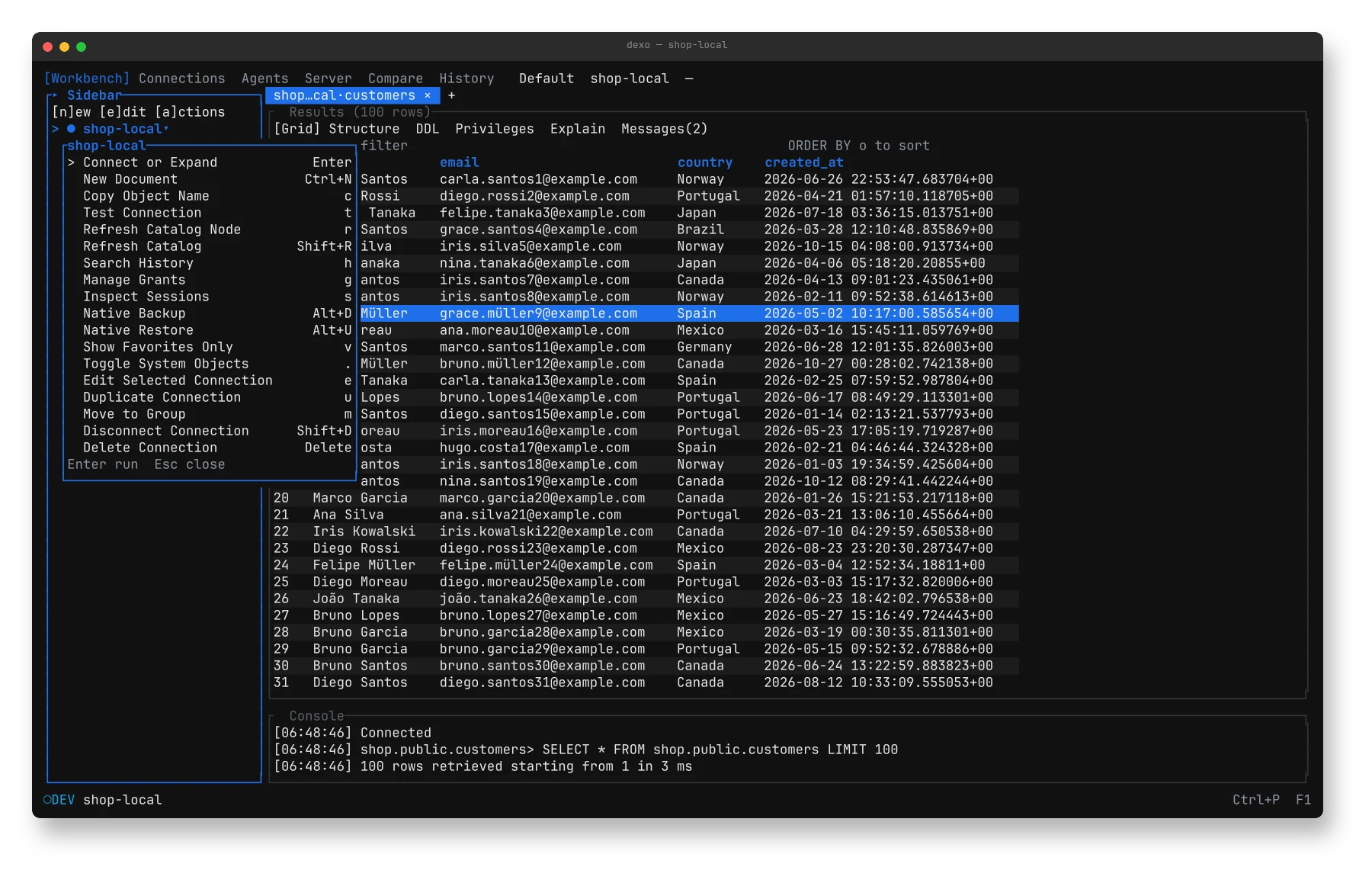
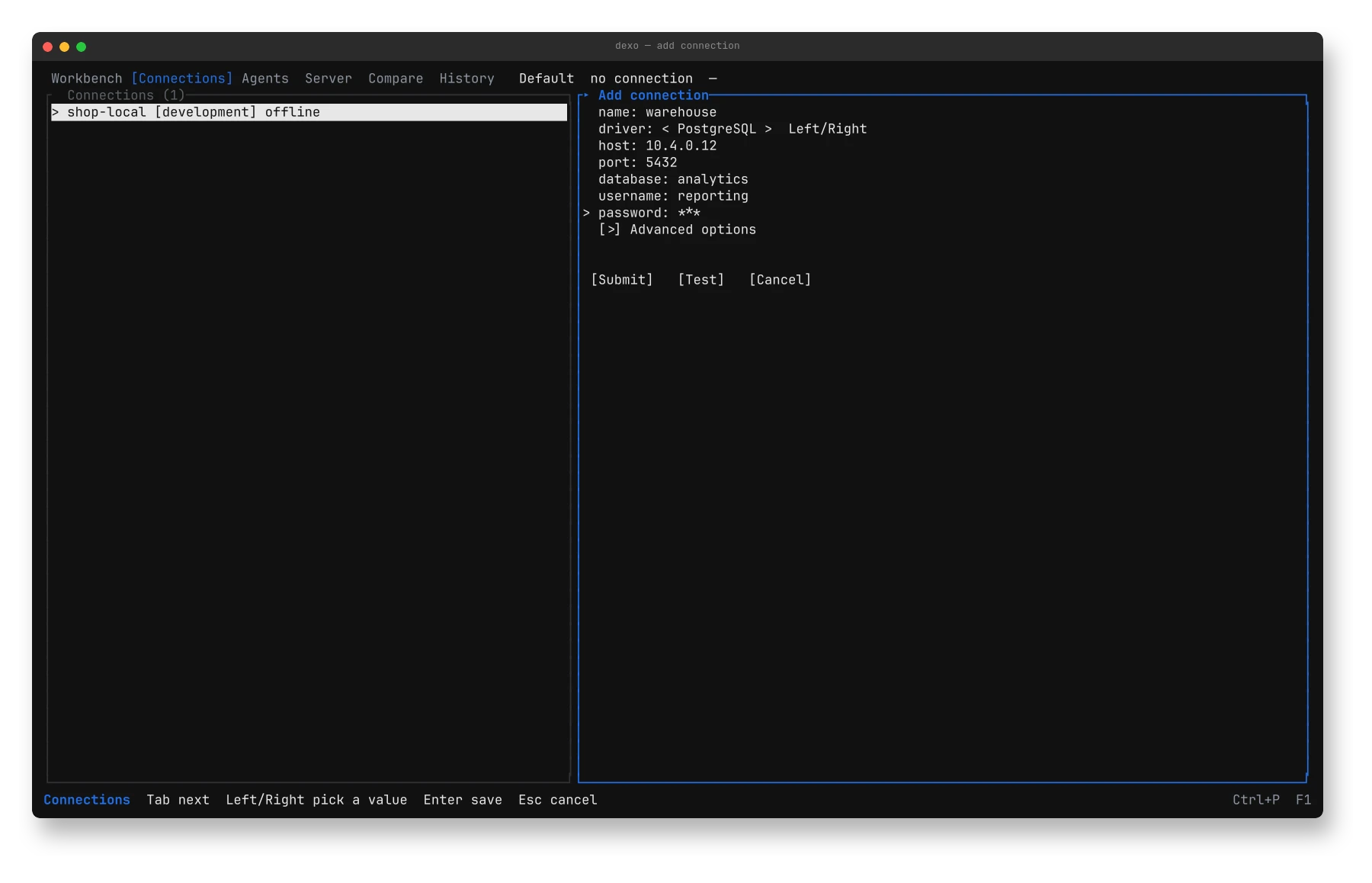
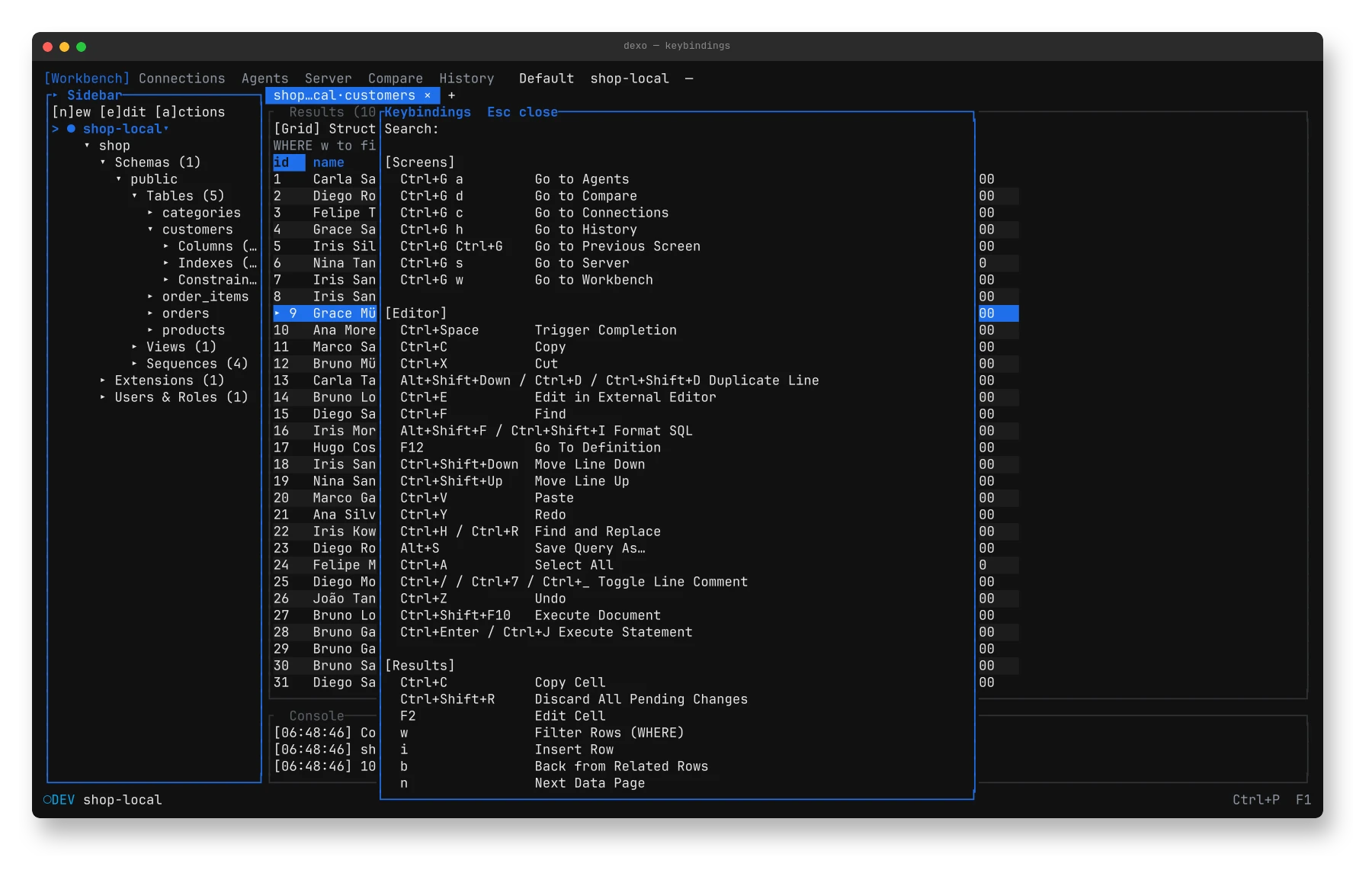
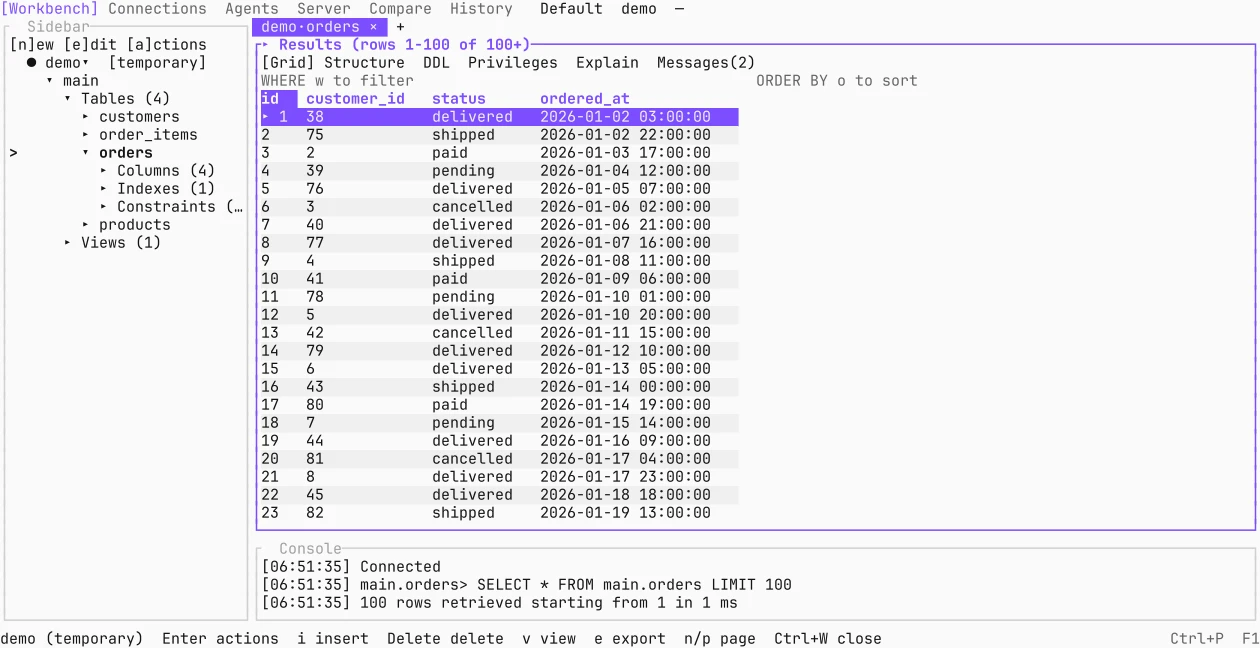
One terminal, the whole job.
| Workbench | Catalog tree, SQL editor with Vim mode and live diagnostics, results grid, command palette. |
|---|---|
| Data | Insert and delete rows with a review first; filter, sort, import, export, backup and restore. |
| Schema | Object forms with a DDL preview; schema diff between databases, snapshots and files. |
| Query plans | EXPLAIN drawn as a tree. On Postgres with hypopg, try an index before you build it. |
| Connections | TLS, SSH tunnels, proxies, password managers, and databases found in Docker. |
| AI agents | MCP server with read-only profiles, allowlists, timed write grants and per-write approval. |
| Command line | Query, export, import, explain and diff from scripts — with the same guardrails. |
| Local-first | No telemetry. One daily check for a new release, which you can turn off. |
Watch it, with the sound up.
Install Dexo v1.4.2
Pick your system. Every file comes with a SHA-256 checksum; the release also ships a CycloneDX SBOM.
Looks like you’re on —
Open the latest releasebrew install kingdaswinx/tap/dexocurl --proto '=https' --tlsv1.2 -LsSf https://github.com/kingdaswinx/Dexo/releases/latest/download/dexo-installer.sh | shscoop bucket add dexo https://github.com/KingDasWinx/scoop-bucket
scoop install dexoirm https://github.com/kingdaswinx/Dexo/releases/latest/download/dexo-installer.ps1 | iexThe .msi installs under Program Files and adds Dexo to PATH; the .exe runs as is. Both are unsigned, so SmartScreen may ask: choose More info → Run anyway.
curl --proto '=https' --tlsv1.2 -LsSf https://github.com/kingdaswinx/Dexo/releases/latest/download/dexo-installer.sh | shyay -S dexo-binbrew install kingdaswinx/tap/dexoThe .deb and .rpm need glibc 2.35 or later (Ubuntu 22.04, Debian 12, Fedora 36 or newer): sudo apt install ./dexo_*_amd64.deb or sudo dnf install ./dexo-*.x86_64.rpm.
cargo install --locked --git https://github.com/kingdaswinx/Dexo dexocargo install --locked --git https://github.com/kingdaswinx/Dexo dexo --features duckdbThe release binaries leave DuckDB out: its C++ engine is large. The duckdb feature needs a C++ compiler.
Then try it on a sample shop — nothing to connect to:
dexo --demo